Place a sound. Follow the tide. Make the islands your own.
Place a sound. Follow the tide. Make the islands your own.
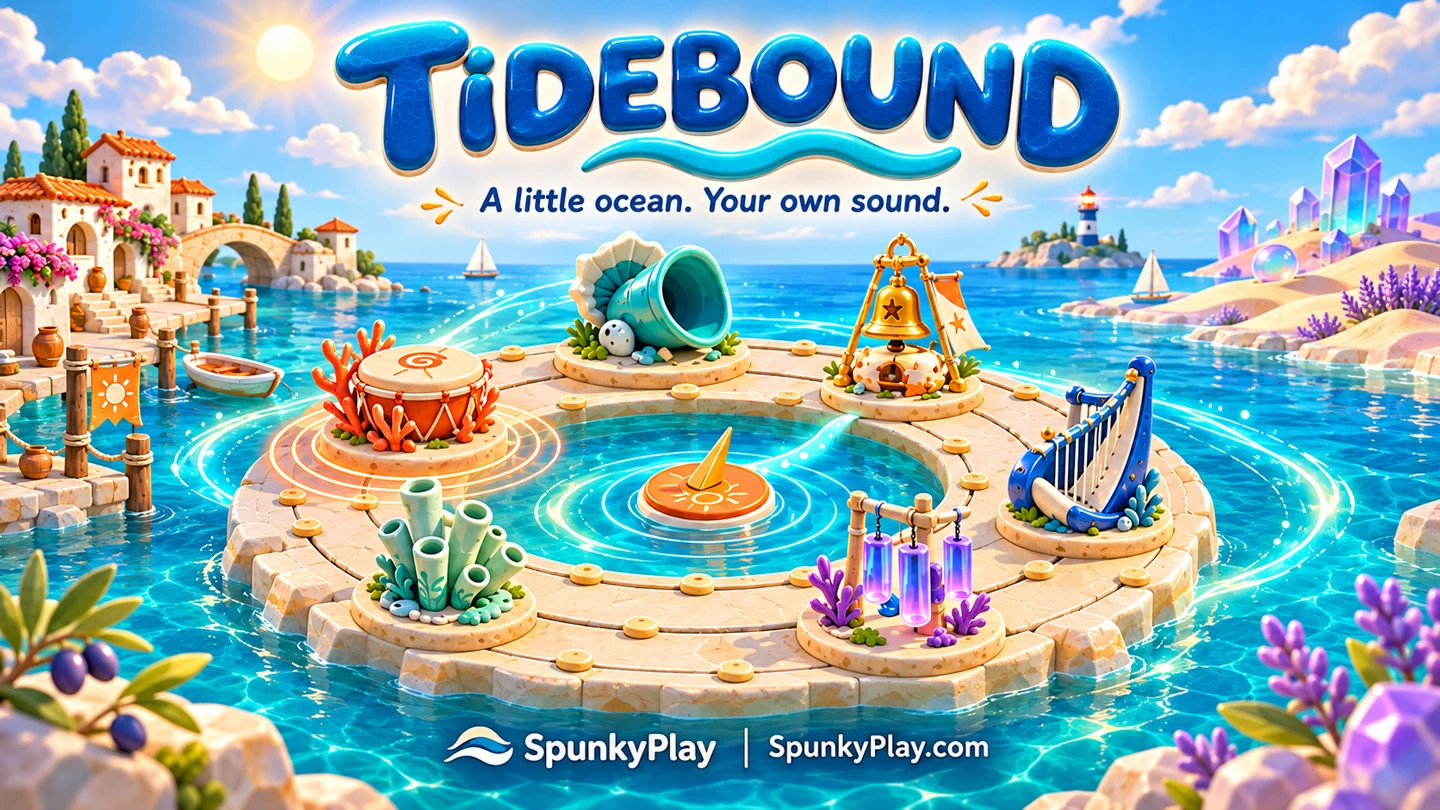
A ceramic drum waits by the water. A bell answers from the far side of the reef. In Tidebound, you arrange these little instruments around a circular island and let a moving tide play them. Shift a sound a few places and the rhythm changes; move it across the reef and its pitch changes too. There is no score to chase. Build something you want to hear again, then explore another shore.
Keyboard, with the reef focused: 1–8 select sounds; arrows move between beats and lanes; Enter places or picks up a sound; Delete removes; Space plays or pauses. Escape closes panels. On touch screens use the same select-then-tap controls. Music and effects have separate switches and volume. Hidden pages pause automatically. Progress stays on this device when storage is allowed; share links work without storage.
Sixteen positions determine when notes play. Three lanes change their pitch. Move, replace or swap sounds to shape the loop rather than filling fixed character slots.
Start with drum, bass, bell and harp. Twelve visible arrangement recipes lead to flute, glass, bubbles and gong, plus collectible discoveries that stay in your field notes.
Ceramic Harbor, Glass Dunes and Night Beacon use different scales and illustrated settings. Each keeps its own reef, so an experiment on one island does not erase another.
Tidebound is a free, single-player SpunkyPlay Originals music sandbox for desktop and touch browsers. The game illustrations and procedural instrument voices were made for it. It supports English, simplified and traditional Chinese, Japanese, Spanish, Russian, German and French. No account, download or microphone is required. Browser storage keeps your work on this device; share links carry an editable copy, not a live collaboration.

Try character-based mixing and compare it with arranging notes in space.

Combine ideas in an open discovery sandbox; it is about finding items rather than composing music.
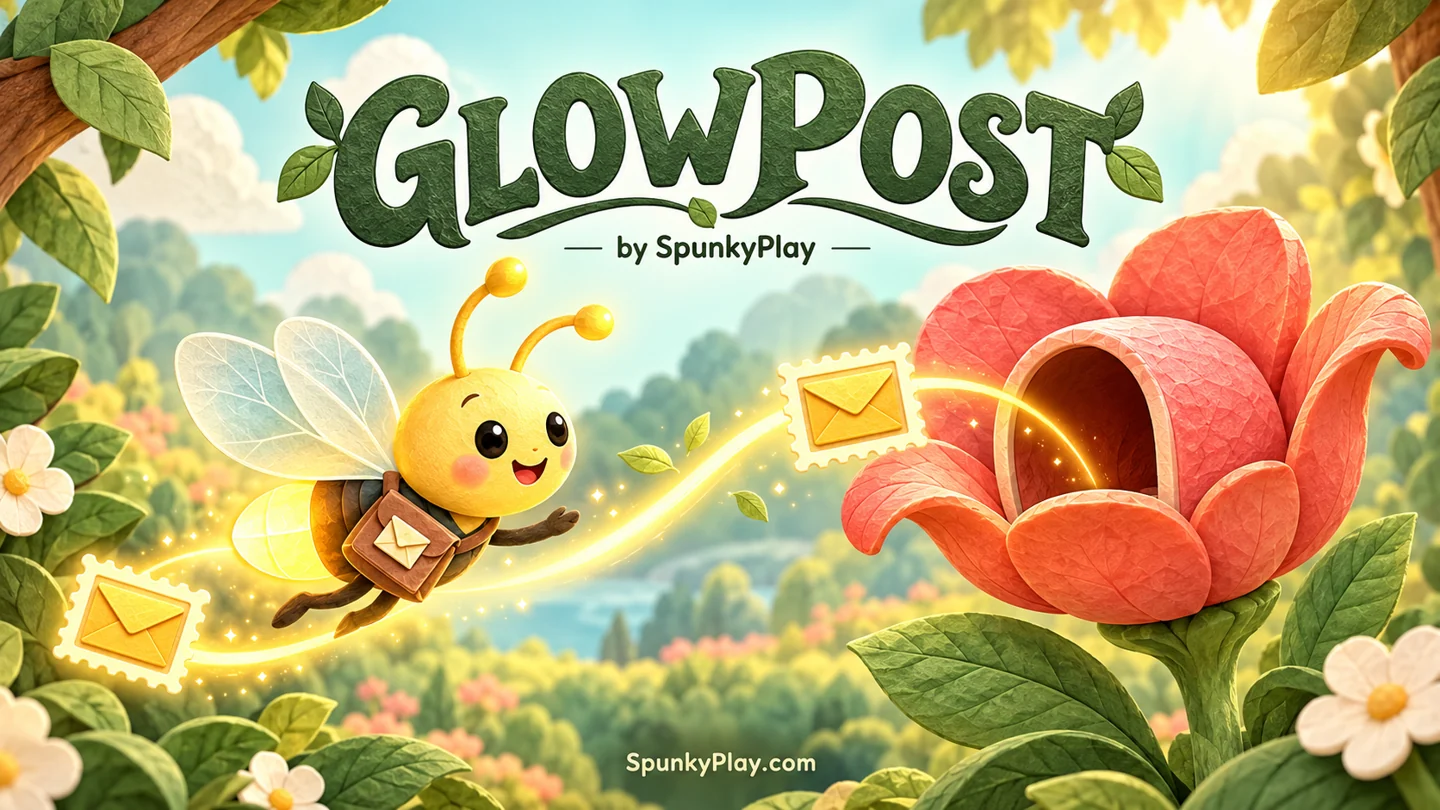
Switch from composing to aiming: guide a firefly through an ordered delivery route.
No. The starting reef contains four notes to listen to and reshape. Choose an instrument, tap a marker and press Play. Compatible notes are chosen by the island’s scale.
The tide visits 16 positions clockwise. Each position is an eighth-note step, so a loop lasts eight quarter-note beats. Inner, middle and outer lanes choose lower or higher notes; the current beat and lane are labeled.
The first four are ready immediately. Field notes show every recipe. A duet unlocks flute; drum and bass on the same beat unlock glass; flute and harp two steps apart unlock bubbles; six sounds using four instrument types unlock gong.
Yes. Tap a placed instrument, then a new marker. Occupied destinations swap the two instruments. Remove deletes your selected sound. You can also choose beat and lane with the selectors and place or replace a sound precisely.
This is an open music sandbox, with three islands and 12 discoveries. There are no failures, points or time limit. After collecting everything you can keep composing, changing tempo and sharing.
It contains all three island arrangements, tempo and discoveries. The recipient gets a separate editable copy. It does not include your sound volume settings or browser postcard slots, and does not update their copy when you edit yours.
The working arrangement and three postcard slots use this browser’s storage on this device. There is no cloud account. If storage is blocked, you can still play and copy a link; refreshing may discard unsaved changes.
Yes. Touch controls use select-then-tap, with beat and lane selectors for precision. Music and effects can be muted separately. A hidden page pauses automatically; returning requires Play. Full screen depends on browser and embedding permissions.